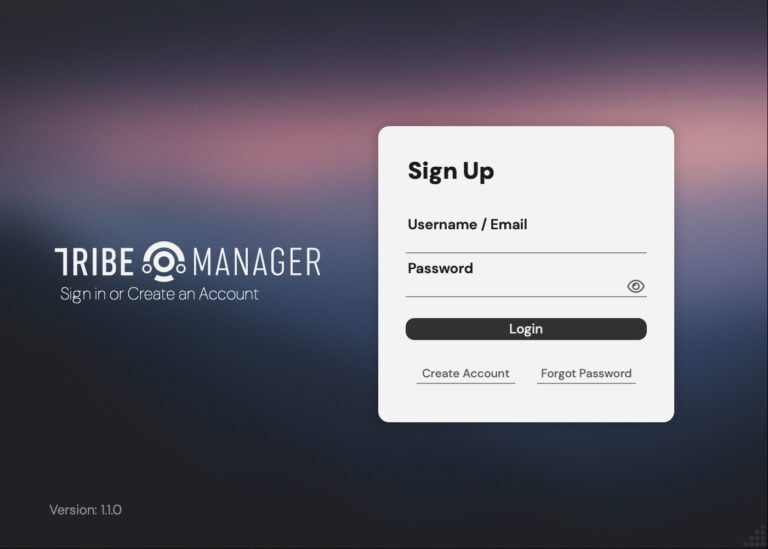
1. Download TRIBE HUB APP
When you buy a Product from Tribe Instruments you need to create an account, generally you get everything in your mail inbox but if you need to download and authorize your plugins you need to Log in our website and do the next steps.
Go to your account page and log in.
Go to the “Download Tribe Universe” tab and download the installer for your Operating system
This Installer includes everything that you need to run our products (TRIBE Hub app & TRIBE Core Engine)
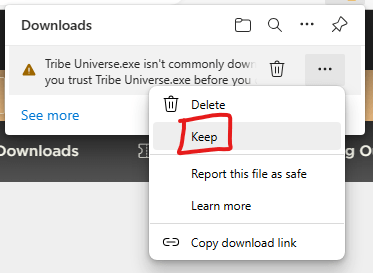
*Only for Windows users!
If you are on windows maybe the SmartScreen firewall will be active and detect our installer as “Not commonly downloaded” but not worry! You still can securely download our software, just Click on “more” or the three dots and Click on “Keep”, and then “Keep Anyway”, Could be a bit anoying but a yearly 1000usd Certificate fee just for bypassing downloads is unfair to indie developers.
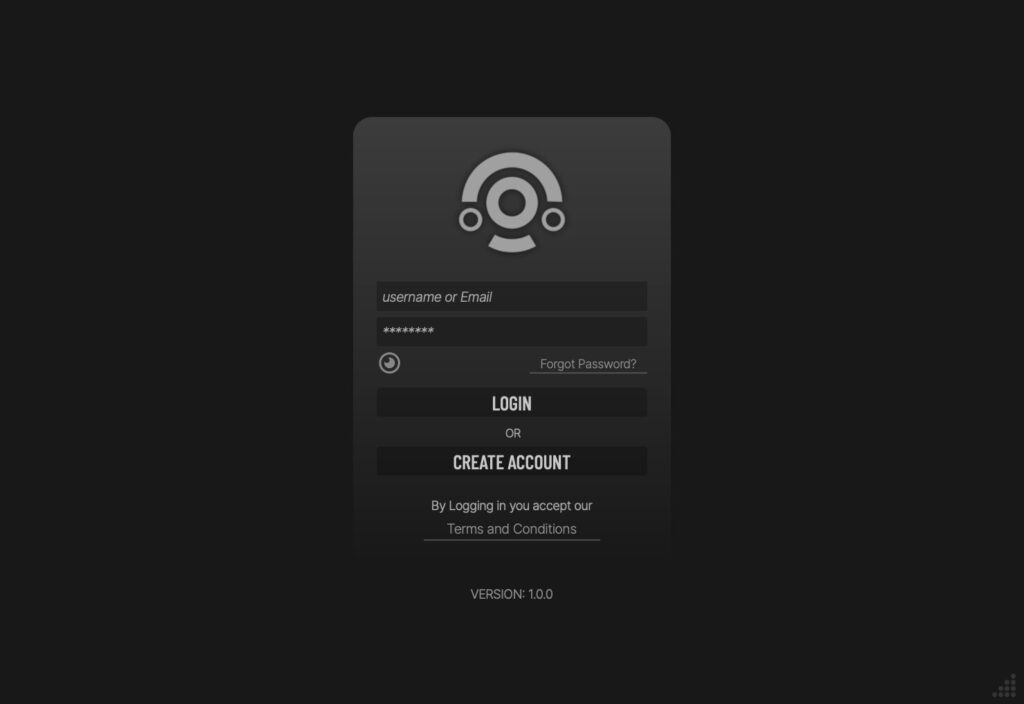
2. Log in to Tribe Hub
After Installing the Tribe Universe installer you’ll to Open the Tribe Hub App (You’ll find it in the Applications folder of Mac or Program Files of Windows).
Now log in to the Tribe Hub using your Account Credentials, you’ll find all the licenses you own after you successfully Log.
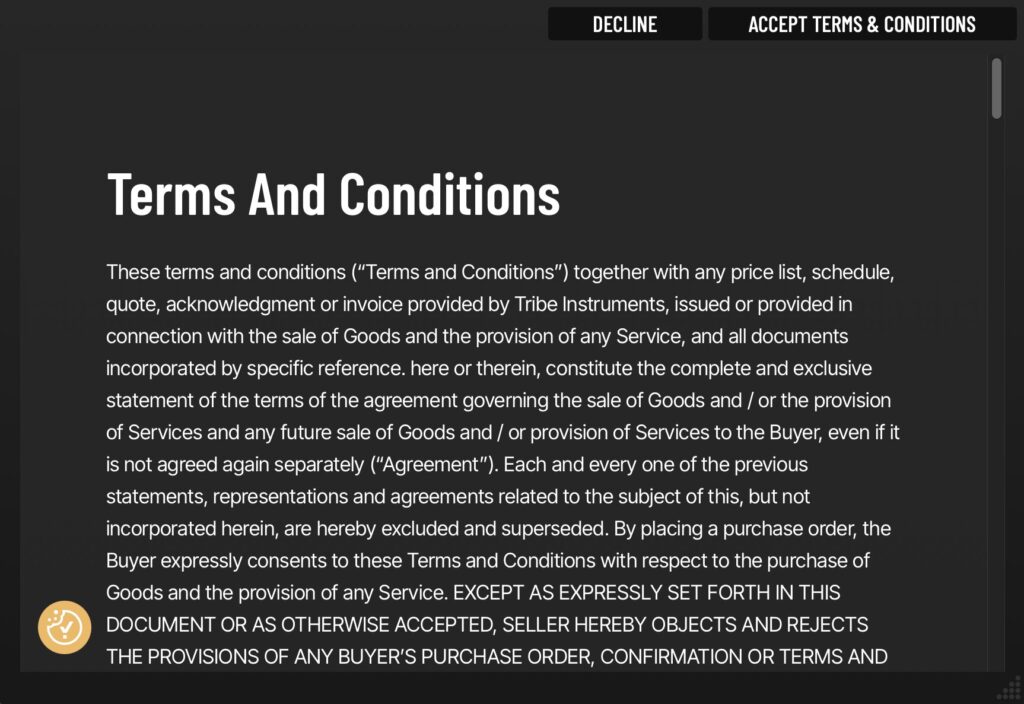
3. Accept the Terms and Conditions
Click in “Accept Terms & Conditions”
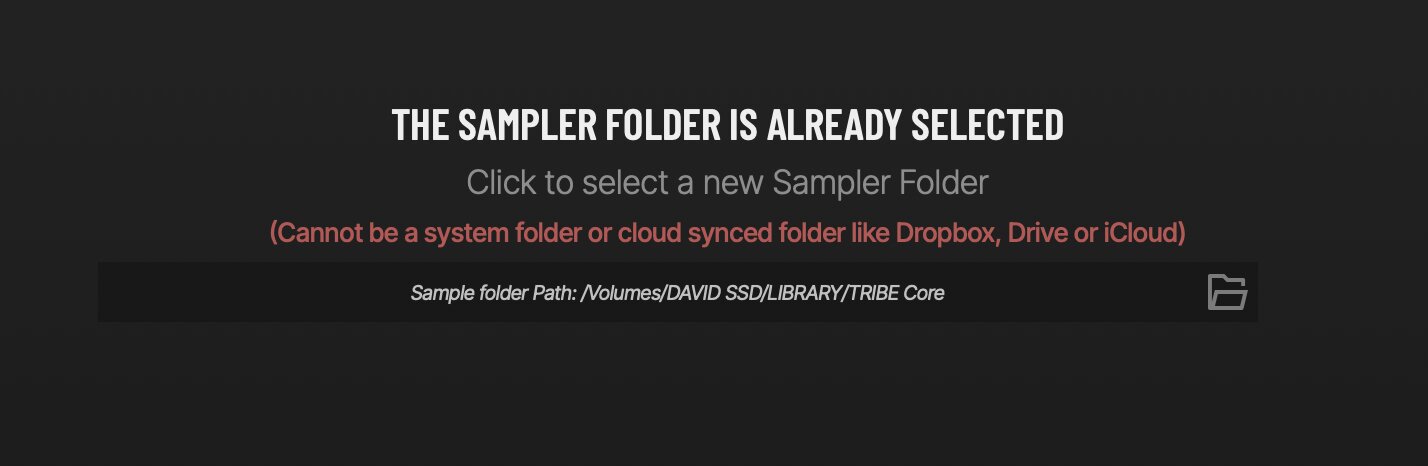
4. Set your Sample Folder
Set the folder where do you want to install all your Tribe Instruments sampled based products.
*Don’t install the samples in Cloud based storage like Dropbox, gDrive or iCloud, they aren’t compatible.
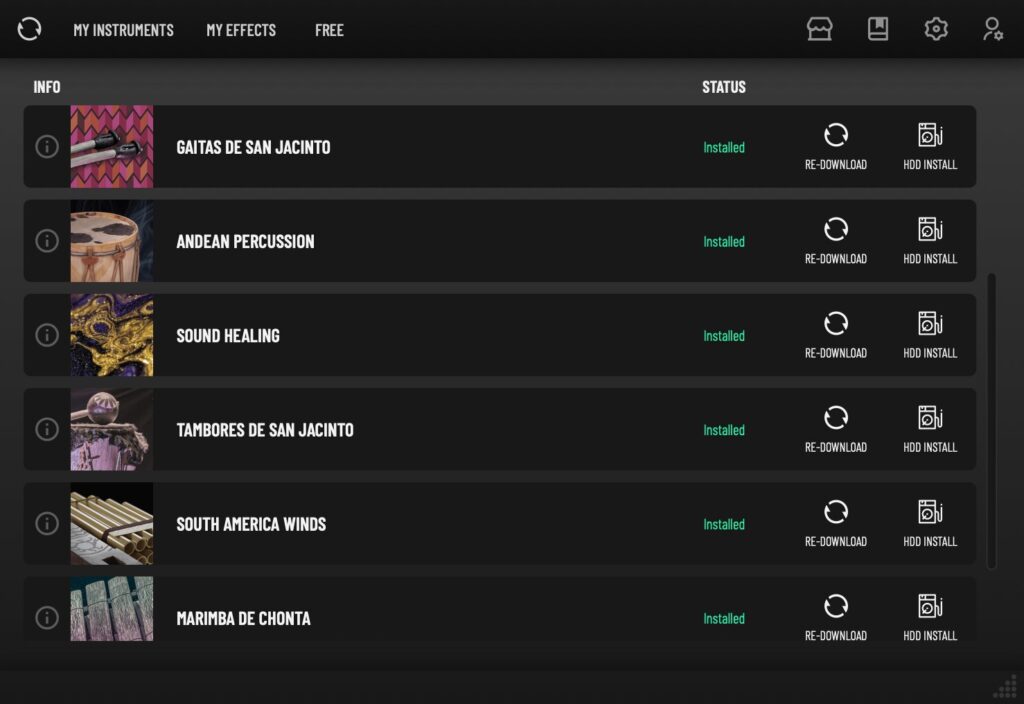
5. Find your products
After log in or register a license you’ll find the list of the products you own, you can click the three dots of each instrument to see the Product Status, the current version and uninstall the product.
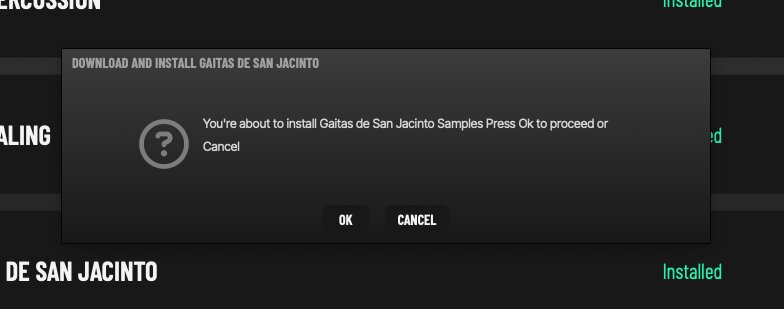
6. Install your product
Click on the “Download” Button of the product you want to install and Click on “OK”.
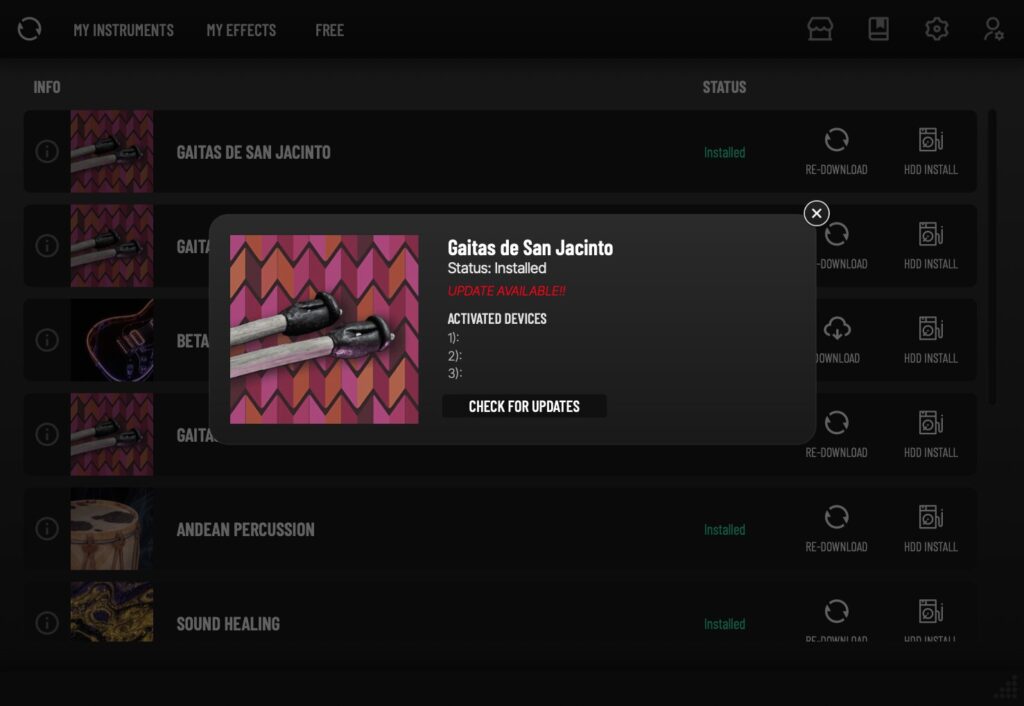
7. Check Product Status
Each license allows up to 3 activations. Whenever you download a library on a new machine, it will use one activation. However, reinstalling or updating a library on a registered machine won’t count as a new activation. Activations are only triggered when you register a library on a different machine.
You can check the Machine IDs where your licenses are currently active, check the status and available updates by clicking the Info icon Button
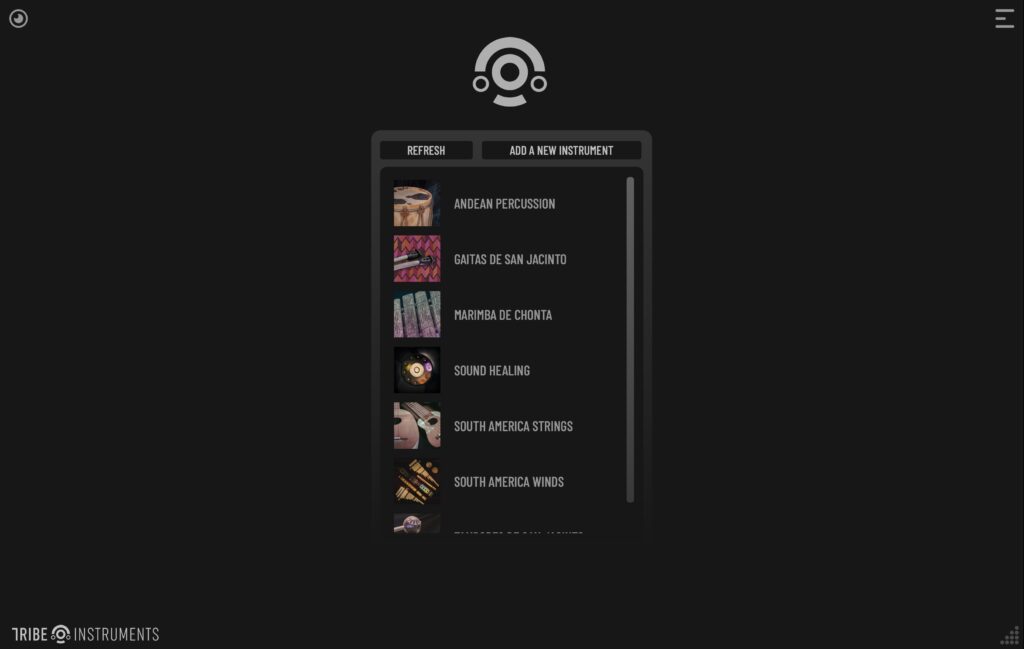
8. Open the Tribe Core app or Plugin
After installing a library you can now open and use our engine in your preferred DAW or Standalone Application.
Just select the installed library and enjoy!